

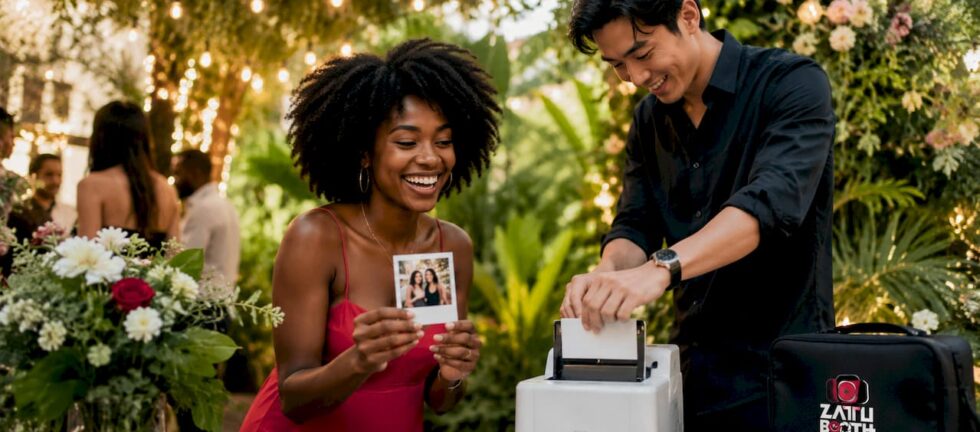
Instant photo printing parties are events where guests capture photos and receive physical prints within seconds, creating frame-worthy keepsakes on the spot. The industry term for this experience is “live photo printing,” and it sits at the intersection of event entertainment and personalised photography. Technologies like dye-sublimation printing and Zero Ink (ZINK) thermal printing power the experience, delivering instant prints at events that guests actually keep. ZATTU PHOTO BOOTH has built its entire service model around this concept, pairing studio-grade Nikon full-frame mirrorless cameras with professional on-site printing to produce results that far exceed what a standard tablet-based setup delivers. The result is an event activity that guests remember long after the music stops.
What is instant photo printing at parties?
Instant photo printing at parties is defined as a live photography workflow where a photo is captured, processed, and printed at the event venue within moments of being taken. Unlike digital-only sharing, this format gives every guest a physical photo to hold, sign, or slip into a frame before they leave. Instant prints at events increase guest engagement far beyond what digital-only photos achieve. That gap in engagement is the core reason event planners are adding print stations to weddings, galas, birthday parties, and corporate activations.
Two printer technologies dominate the space. Dye-sublimation printers transfer colour onto paper using heat, producing dry, durable, fingerprint-resistant prints. ZINK (Zero Ink) printers embed colour crystals directly into the paper and activate them with heat, eliminating ink cartridges entirely. Both methods deliver prints guests can handle immediately without smearing.
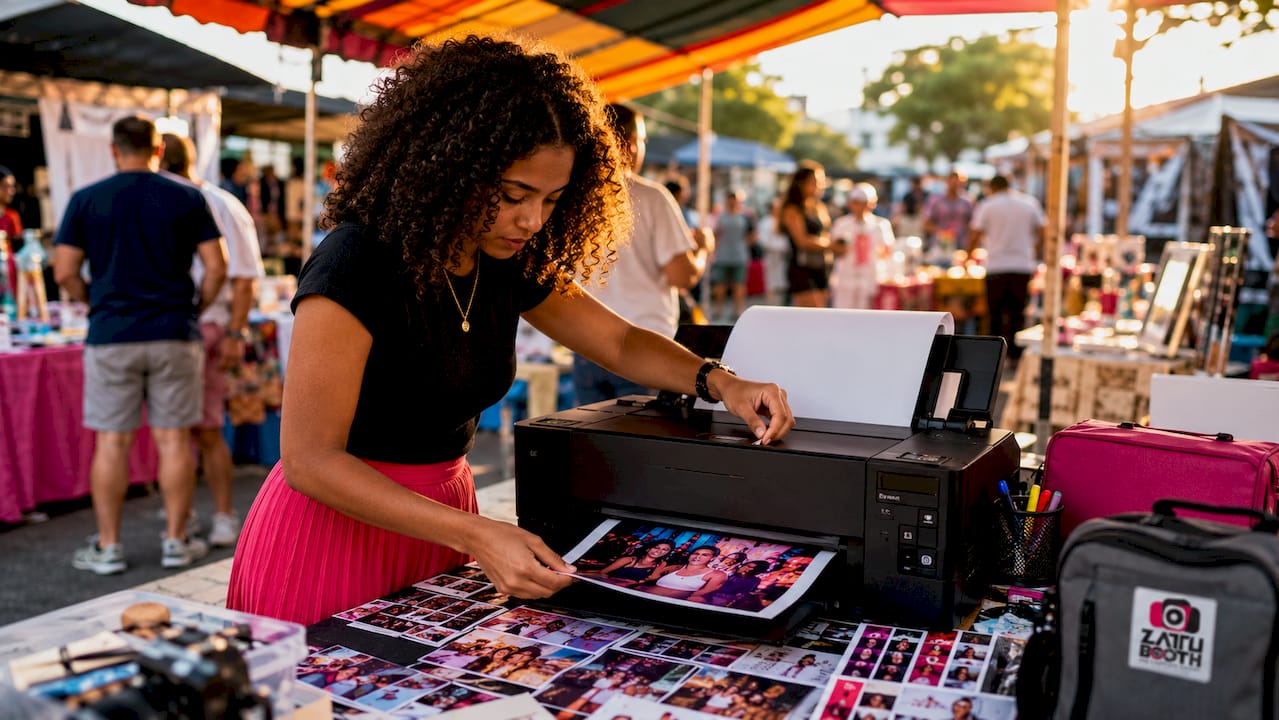
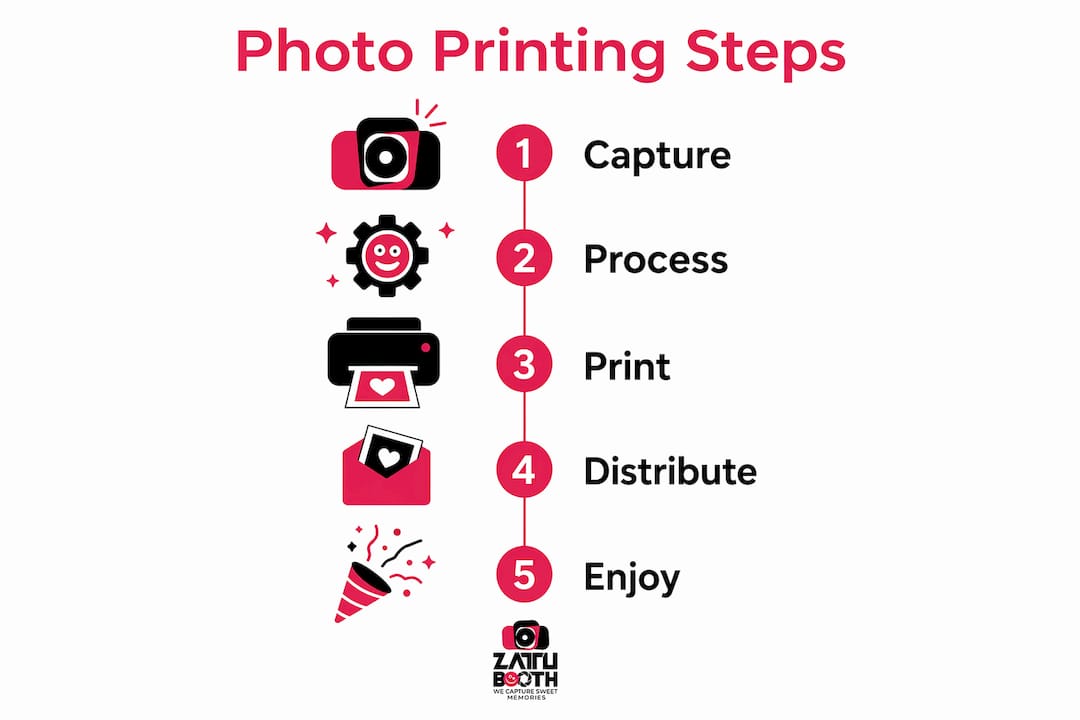
The capture-to-print workflow follows a straightforward path. A camera or smartphone captures the image, software processes and formats it, and the printer produces a finished photo. Portable printers like the Fujifilm Instax Mini Link+ complete this cycle in 50–60 seconds and can produce roughly 100 prints per battery charge. That output rate works well for smaller gatherings but can create queues at larger events.
Pro Tip: Choose a printer with a rated output of at least 100 prints per charge or per ribbon set before booking any equipment for a party of 50 or more guests.
What are creative ideas for hosting an instant photo printing party?
The most memorable photo printing party ideas treat the print station as the centrepiece of the event, not an afterthought tucked in a corner. Treating the printing station as an interactive activity with frames, guestbooks, and props greatly enhances guest engagement and turns prints into valued keepsakes. Event planners who follow this approach consistently report higher participation rates and more positive guest feedback.
Here are proven setups that work across event types:
- Styled backdrop stations: Hang a custom backdrop in a colour or pattern that matches your event theme. Florals work for weddings, bold geometric prints suit corporate events, and glitter or sequin panels add drama to galas. ZATTU PHOTO BOOTH offers custom backdrop options that coordinate directly with your print design.
- Prop tables: Place a curated selection of hand-held signs, hats, glasses, and themed accessories beside the camera. Guests who might hesitate to pose alone will step right up when there is a prop to hide behind.
- Guestbook stations: Set out an album beside the printer. Guests stick their print on a page and write a message beside it. The host walks away with a signed photo album instead of a stack of loose prints.
- Branded photo strips: Print your event logo, date, or a custom message directly on each photo strip. This works especially well for corporate events and milestone birthdays where the print doubles as a branded party favour.
- Frame-it-yourself wall: Provide small frames or magnetic frames at the station. Guests build a mini gallery wall at the event, and the frames go home with them at the end of the night.
Signage matters more than most planners expect. A simple sign that reads “Print your photo here” with an arrow doubles participation at stations where guests are unsure what to do.
Pro Tip: Pre-load three or four sample prints in the guestbook before guests arrive. Seeing examples immediately shows people what to do and removes hesitation.
DIY versus professional instant photo printing: which is right for your event?
The choice between a DIY setup and a professional rental comes down to three factors: budget, print quality, and the size of your guest list.
DIY instant photo printing
DIY instant photo setups generally cost between $0.70 and $1.00 per print using Polaroid-style cameras or portable Bluetooth printers. Hardware setup costs range from $15 to $90, not counting the printing device itself. Intermediate DIY setups that include LED lighting and a dye-sublimation printer run $300–$600 and are suitable for weddings and milestone celebrations. That price point is attractive, but it comes with real trade-offs.
DIY setups require the host or a designated helper to manage the equipment throughout the event. Printer jams, connectivity drops, and software glitches all fall on whoever volunteered for the role. Print quality from consumer-grade devices also varies. Inkjet-based portable printers produce smudgy results compared to professional dye-sublimation units.
Professional photo booth rentals
Professional rentals remove the technical burden entirely. A trained operator arrives, sets up the equipment, manages the print queue, and troubleshoots any issues on the spot. Professional dye-sublimation printers like the Canon SELPHY series produce dry, durable prints in about 15 seconds, compared to slower and smudgier inkjet alternatives. That speed matters at events with 100 or more guests.
ZATTU PHOTO BOOTH uses Nikon full-frame mirrorless cameras paired with professional lighting, which produces a noticeably sharper and more vibrant print than any consumer-grade setup can match. For large events, galas, or corporate activations where brand image is on the line, professional rental is the clear choice.
| Factor | DIY setup | Professional rental |
|---|---|---|
| Cost per print | $0.70–$1.00 | Included in flat rental rate |
| Setup time | 1–3 hours (self-managed) | Handled by operator |
| Print quality | Consumer-grade, variable | Studio-grade, consistent |
| Technical support | Self-managed | On-site professional |
| Best for | Small gatherings under 40 guests | Events of any size |
How do you run a smooth instant photo printing party?
A smooth photo printing party depends on preparation, not luck. The single biggest mistake hosts make is underestimating how quickly supplies run out. Budget for 25% extra paper and ribbon stock above your expected print count to cover test prints, reprints, and the inevitable guest who wants a second copy.
Follow these steps to keep the station running without interruption:
- Enable Auto-Print mode. Auto-Print mode reduces wait time by automatically printing after each photo session without requiring guest interaction. This single setting eliminates the most common bottleneck at busy stations.
- Station layout matters. Place the camera, printer, and prop table in a clear flow: arrive, grab a prop, pose, collect your print, move on. A circular or L-shaped layout prevents guests from blocking the next person in line.
- Assign one dedicated helper. Even at small parties, one person focused on the station keeps things moving. They reload paper, assist guests with props, and catch errors before they become delays.
- Run a test session before guests arrive. Print five to ten test photos to confirm colour calibration, paper alignment, and wireless connectivity. Fixing these issues before the party starts saves significant stress later.
- Keep a troubleshooting checklist nearby. Common issues include paper jams, low ink warnings, and Wi-Fi drops. A printed checklist with solutions for each problem means your helper can resolve issues in under two minutes.
Pro Tip: Place a small basket beside the printer stocked with envelopes and a marker. Guests can label and protect their prints immediately, which prevents smudging and makes the keepsake feel more intentional.
Key takeaways
Instant photo printing parties succeed when technology, preparation, and creative setup combine to give every guest a physical keepsake they genuinely want to keep.
| Point | Details |
|---|---|
| Define the experience clearly | Instant photo printing parties combine live photography with on-site printing to produce physical keepsakes at the event. |
| Choose the right printer technology | Dye-sublimation printers deliver faster, more durable prints than inkjet or ZINK alternatives for events. |
| Treat the station as entertainment | Frames, props, and guestbooks turn a print station into the most engaging activity at the party. |
| Budget for extra supplies | Order 25% more paper and ribbon than your expected print count to cover reprints and test prints. |
| Match setup scale to guest count | DIY setups suit gatherings under 40 guests; professional rentals handle larger events with consistent quality. |
Why tangible keepsakes matter more than ever
I have set up and overseen photo experiences at dozens of events across Southwestern Ontario, and the moment that never gets old is watching a guest hold their print for the first time. They look at it differently than they look at a phone screen. They slow down. They show it to the person beside them. That physical object does something a digital file simply cannot replicate.
What surprises most event planners is how much the print station changes the energy of a room. Guests who were standing quietly at the edge of the dance floor suddenly have a reason to participate. The station becomes a social anchor, a place where strangers introduce themselves and friends reconnect. I have seen this happen at corporate galas, milestone birthdays, and community fundraisers alike.
The technology has also improved dramatically. A few years ago, consumer-grade portable printers produced faded, fragile prints that curled within an hour. Today, professional dye-sublimation units produce prints that are genuinely archival quality. That shift means the keepsake a guest takes home at 10:00 PM will still look sharp on their fridge five years from now.
My honest advice to any event planner considering this for the first time: do not treat the print station as a rental checkbox. Think about guest engagement best practices and design the station the way you design any other element of the event. Give it a backdrop, give it props, give it a sign, and give it a person who loves being there. The difference between a station guests ignore and one they queue for is almost always in those details.
— George ZATTU
Photo booth rentals from ZATTU PHOTO BOOTH for your next event
ZATTU PHOTO BOOTH brings professional instant photo printing to events across Southwestern Ontario, from intimate birthday parties to large corporate galas. Every rental includes studio-grade equipment, professional lighting, and on-site support so you never have to think about the technology.
Our selfie photo booth rental is a guest favourite for parties and social gatherings, delivering sharp, vibrant prints guests can personalise with custom overlays and themed designs. For events that call for a more polished look, our glam photo booth adds studio lighting and premium print finishes that feel genuinely red-carpet-ready. Both options include flat-rate pricing and a dedicated operator. Request a quote at zattuphotobooth.ca and we will get back to you promptly.
FAQ
What is an instant photo printing party?
An instant photo printing party is an event where guests take photos at a styled station and receive physical printed copies within seconds. The experience combines live photography with on-site printing to create tangible keepsakes guests take home.
How long does it take to print a photo at a party?
Professional dye-sublimation printers produce a finished print in approximately 15 seconds. Consumer-grade portable printers using ZINK or dye-sub technology typically take 50–60 seconds per print.
How much does a DIY instant photo printing setup cost?
DIY setups cost between $0.70 and $1.00 per print for media, with hardware setup costs ranging from $15 to $90 excluding the printer. Intermediate setups with LED lighting and a dye-sublimation printer run $300–$600.
What is the best printer technology for photo printing parties?
Dye-sublimation is the preferred technology for events because it produces dry, fingerprint-resistant prints in seconds without smudging. ZINK thermal printing is a practical alternative for smaller, more casual gatherings where portability matters most.
Do I need a professional operator for an instant print photo booth?
A professional operator is strongly recommended for events with more than 40 guests. Operators manage paper reloads, troubleshoot technical issues, and keep the print queue moving so guests never wait long for their keepsake.